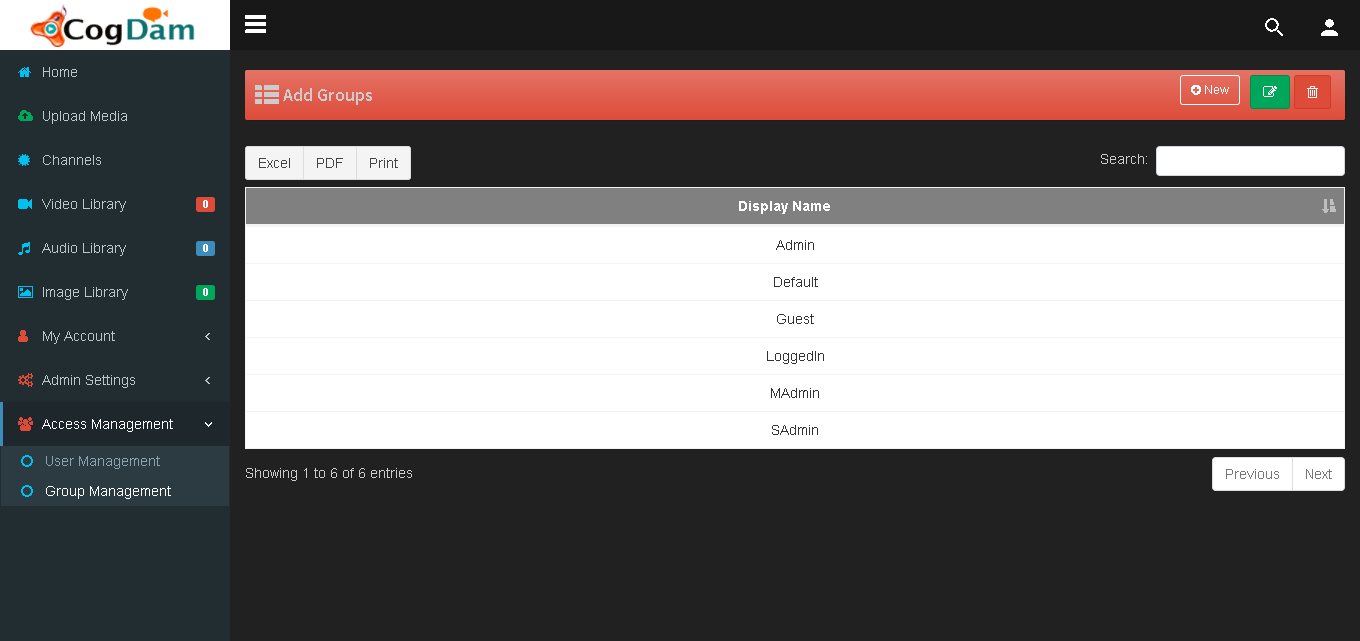
Group Management
Group management Dashboard
Every user in the portal can be assigned with a group based on roles and permissions.
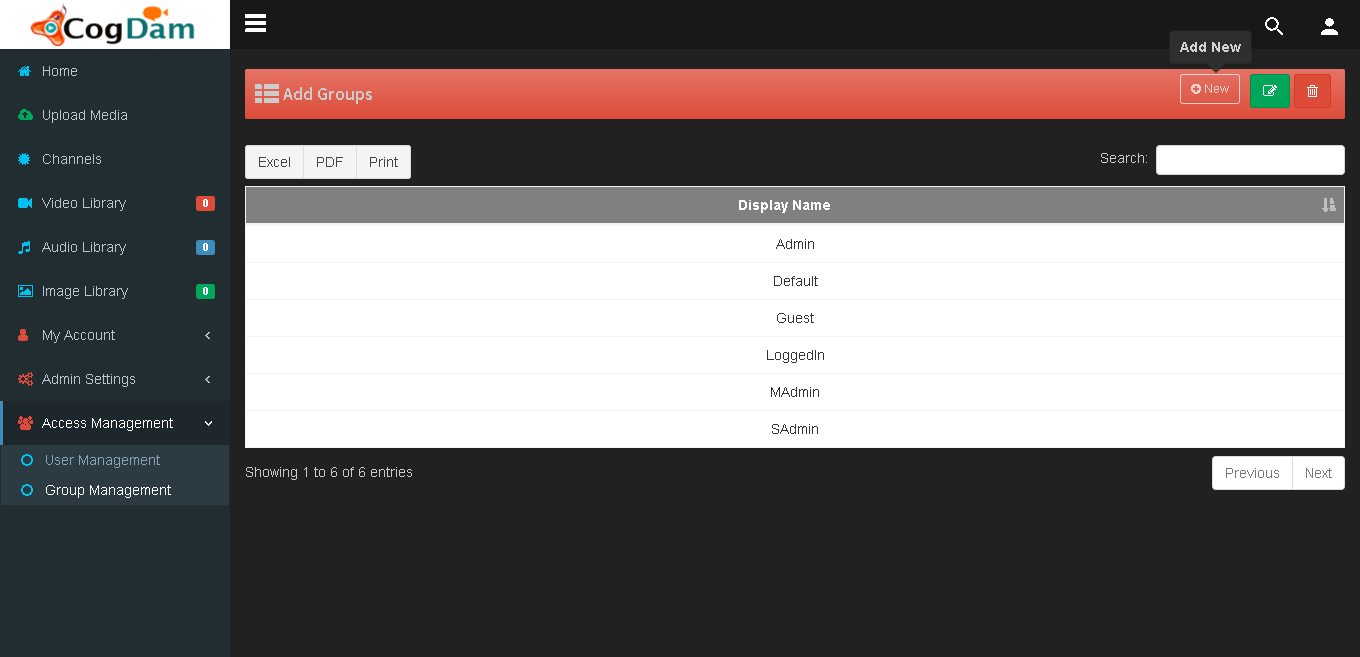
Create a new group
By clicking on ‘+’ icon a user can create a new group and also set permissions accordingly
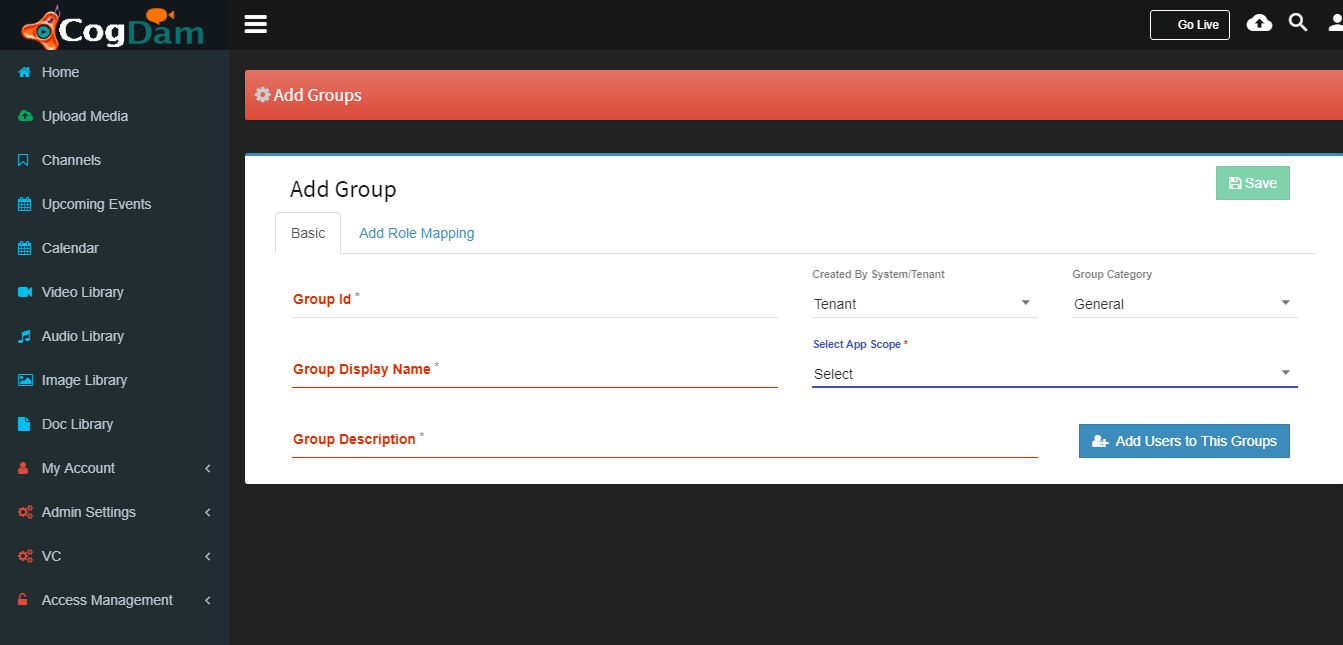
Fill group details
Once the group is created the user can fill-in relevant information and assign various permissions.
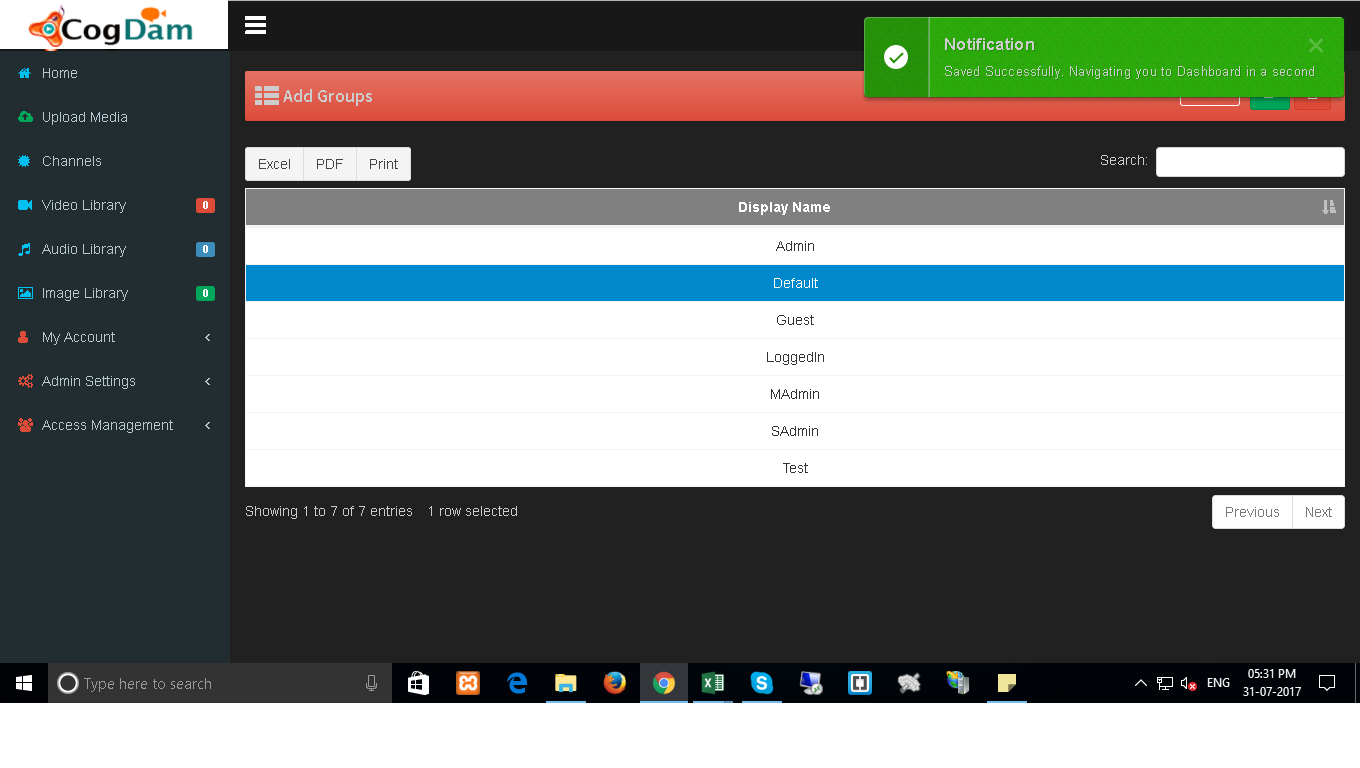
Group created
Once the fields are filled the user can save the changes. A green notification is displayed confirming the status of group.